Install Formfacade on your Individual Account
This is a common question from Google Forms users who want their form to match their website. Google Forms lets you change the header and the colors, but the form still looks like a Google Form and it sits in an iframe on your page. To change more than that, you need an add-on in your account. With Formfacade, you can install the add-on from the Google Workspace Marketplace, embed your form without an iframe and make it look like your website. Even better, the responses are still collected on your Google Forms.
Let's start. Open your form in Google Forms and follow the steps below.
Formfacade is an add-on for Google Forms.
You can embed your form without IFrame and make it look like your website with matching styles and brand.
Simply open a Google Form. Then follow these steps:
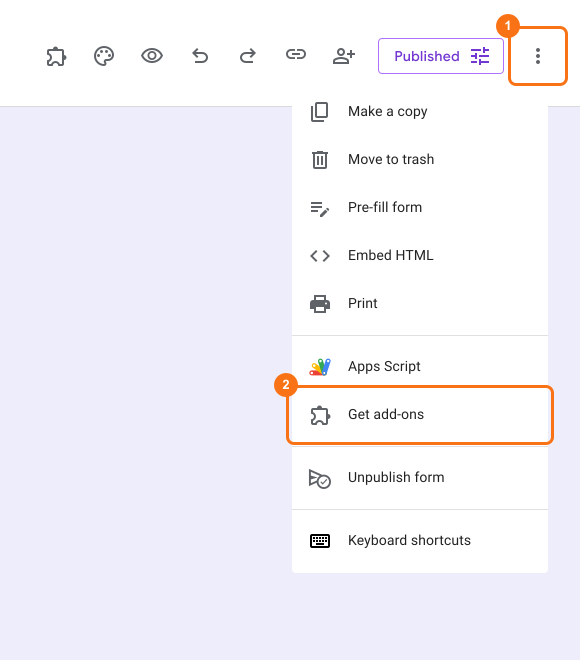
- Open the ⋮ menu from your Google Forms and click on Get add-ons
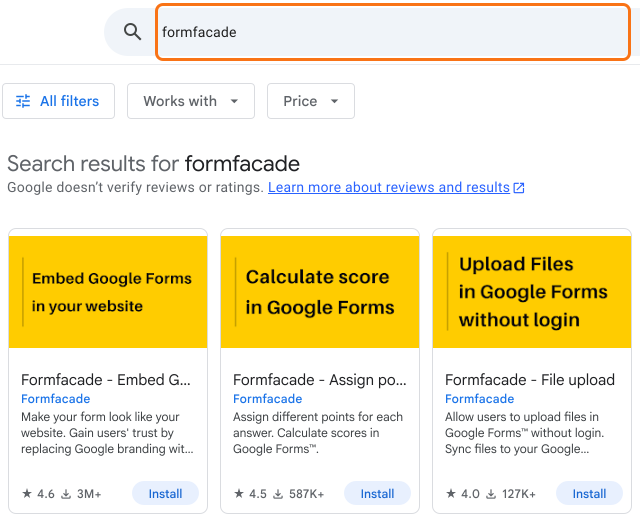
- Type 'Formfacade' in the search bar
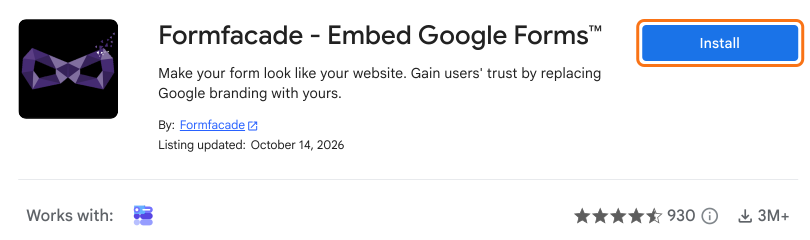
- Click on the button Install to install the add-on
- Accept the authorizations

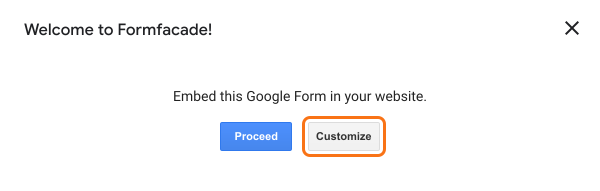
After installing Formfacade, a pop-up appears on your Google Form. If your Google Form is ready for embed you can click on "Proceed" to get an embed ready code to add it to your website. Yes! You can "truly" embed Google Form anywhere with Formfacade. Happy embedding!
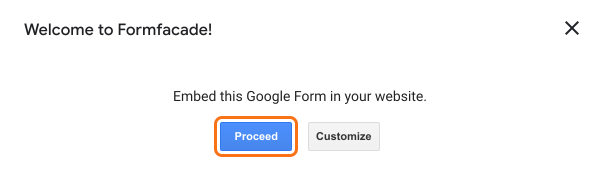
Or, if you need further customization to your Google Form click on "Customize". Make your form look like your website!
Summary
If your Google Form does not look like your website, you cannot change much in Google Forms itself. With Formfacade, you install the add-on from the Google Workspace Marketplace and you can embed your form or customize it. If you have any questions, write to support.
Last updated: