How to add images in Google Forms?
This is a common question from Google Forms users who ask people to choose between products, places or people. Words alone may not be enough for them to decide and a picture of each choice makes the question clear. Google Forms lets you add images to a question, to an answer or on their own, but it is not obvious where it keeps this option, as the icon for an answer only shows when you point to that answer. With Formfacade, you can open your form in Google Forms from the Edit tab and add your images there. Your users will see them on your form. Even better, the form will have your own branding instead of Google's, so your product pictures don't sit on a Google page.
Let's start. Create your form and follow the steps below.
How to open your form in Google Forms?
- On the page that opens, name your form, click Embed form and click Proceed. It can take about a minute.
- You will land on the form's "Share" tab, on Embed. The top bar may say "Blank Formfacade form" until you reload the page.
- Click on "Edit" tab

- Click on the form's title
- Click on the ⚙️ icon on the title card
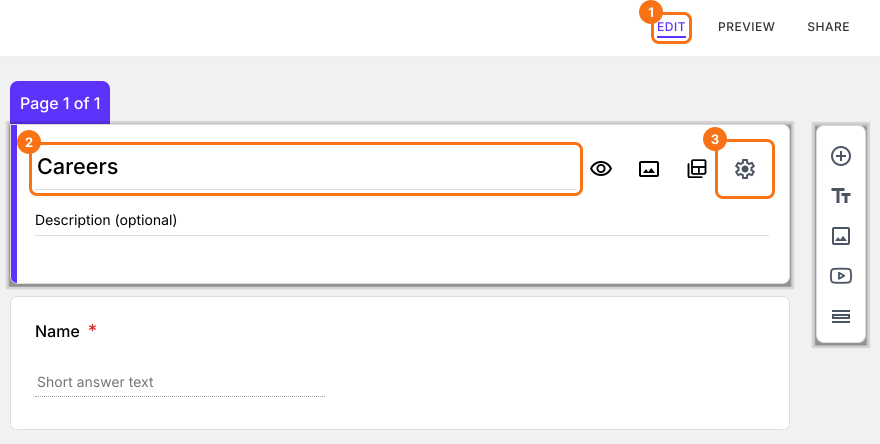
- Click on the Advanced tab
- Click Launch next to "Edit this form with Google Forms"
- Your form will open in Google Forms in a new tab
There are three options to add images in Google Forms. You can add an image to a question, add images to the answer choices in a multiple choice or checkboxes question or add an image on its own.
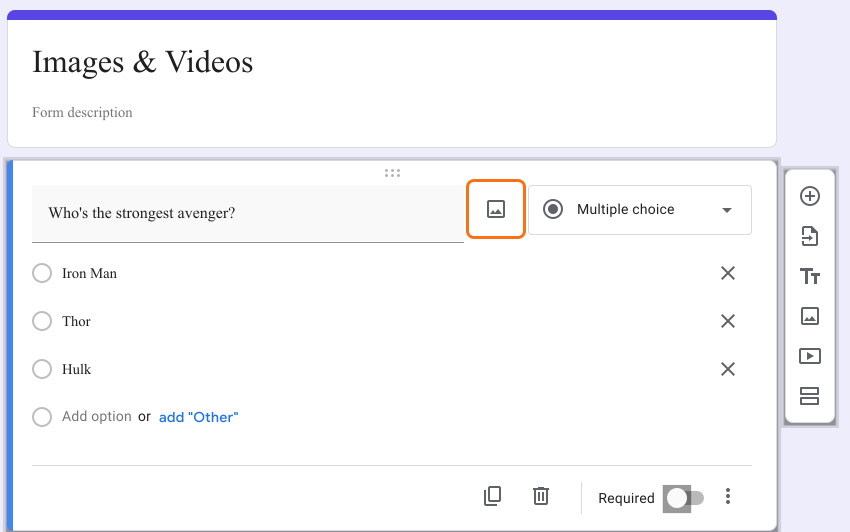
Add an image to a question
- Select a question
- Click on Add image icon as shown below
- Drag & drop or browse & select an image to upload
Add an image to an answer
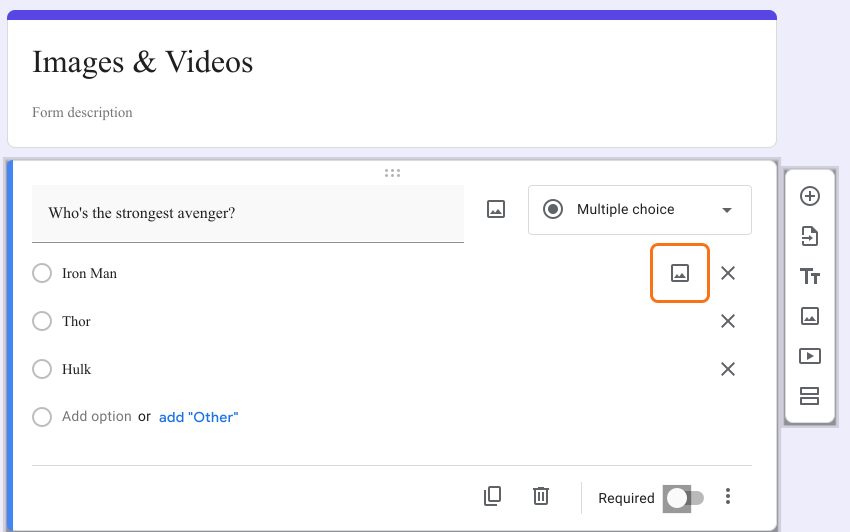
- Select a multiple choice or checkboxes question. If your form has none, change a question's type in the list at its top right first.
- Select an answer
- Click on Add image icon on the right
- Drag & drop or browse & select an image to upload
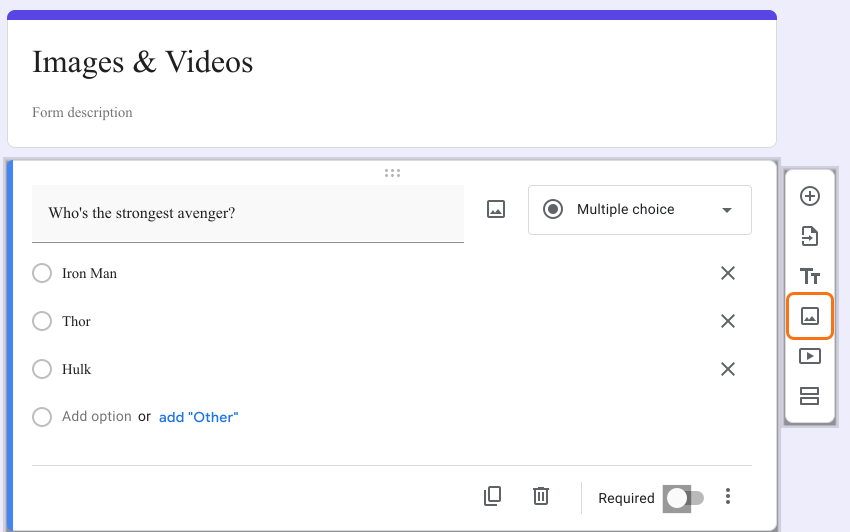
Add an image on its own
- Click on Add image icon as shown below
- Drag & drop or browse & select an image to upload
- If required, add an image title
Your change will reach your form when you go back to Formfacade and open the "Edit" tab again. If it is already open, reload the page. If you do not see the change, wait a few seconds and reload it again. Formfacade reads your Google Form again each time you open it there.
Summary
If words alone do not make a question clear, you can show a picture with it. With Formfacade, you open your form in Google Forms with Launch and click on Add image icon beside a question, beside an answer or in the toolbar and upload your image. Create your form and complete the steps above. If you have any questions, write to support.
Last updated: