Collect signature on a PDF
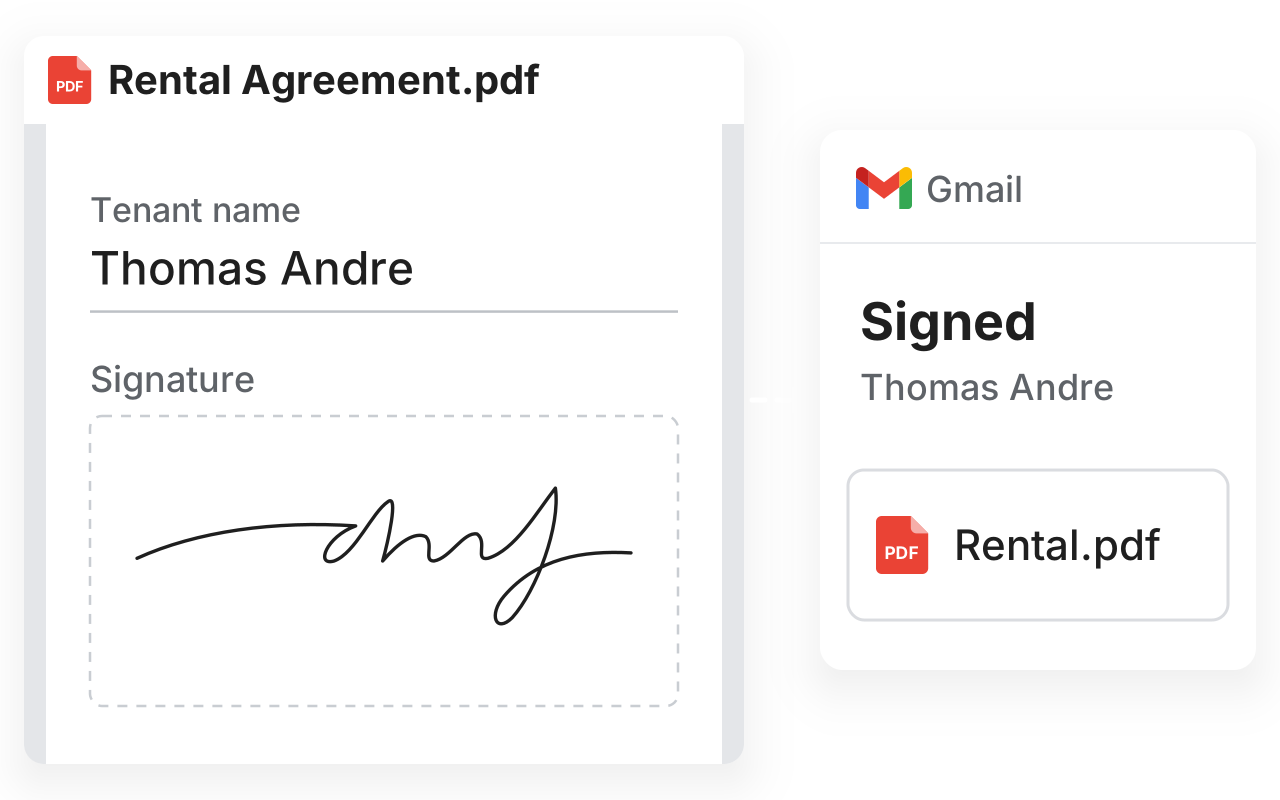
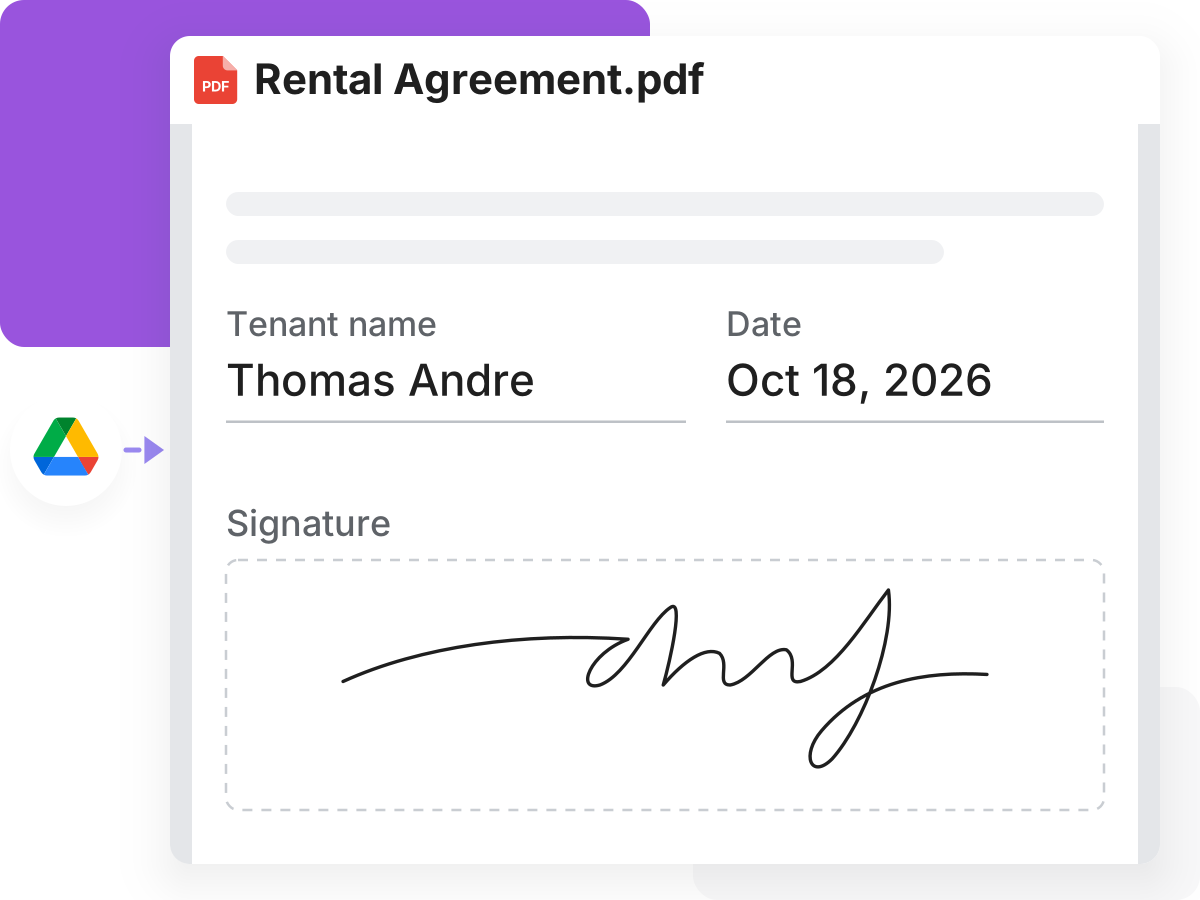
Collect legally binding signatures on a PDF. Upload a PDF or open it from Google Drive, add signers and save the signed PDF in Google Drive.
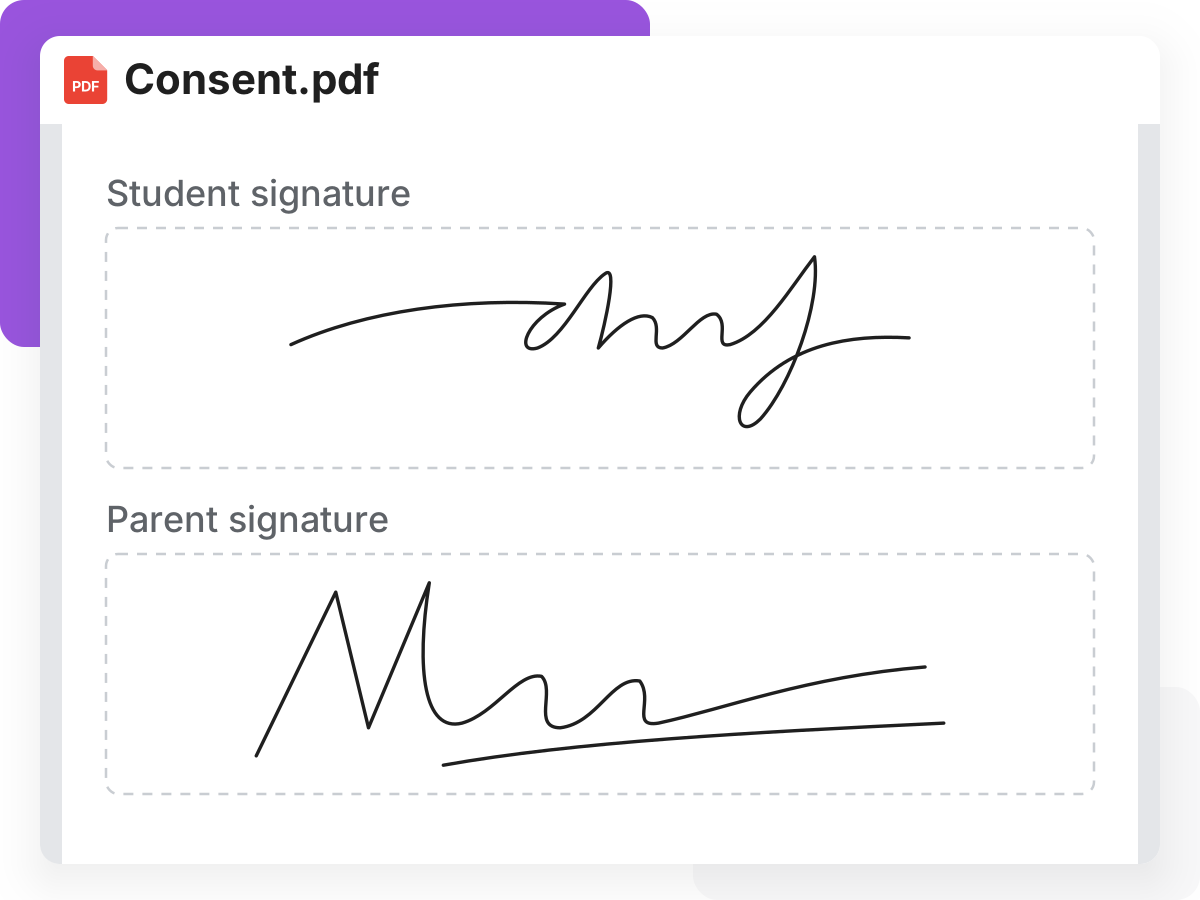
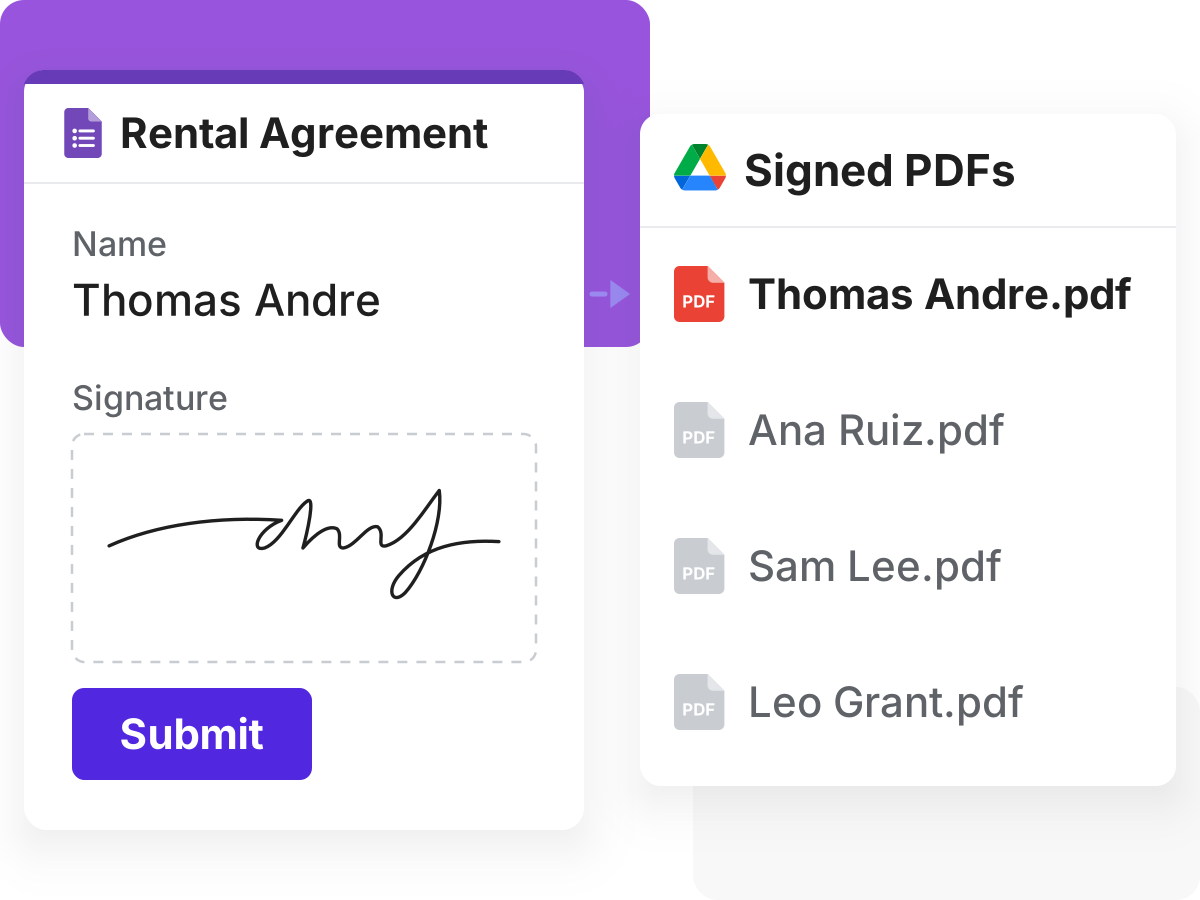
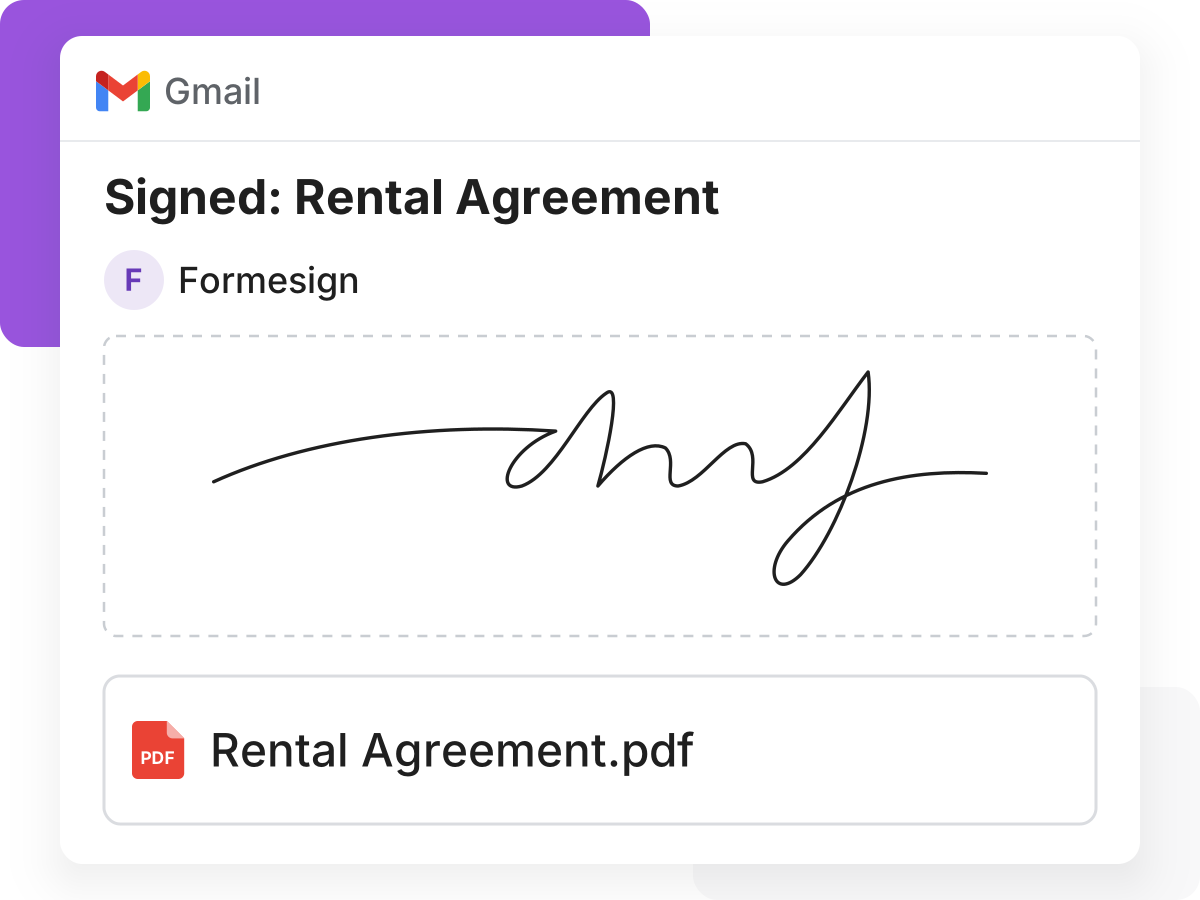
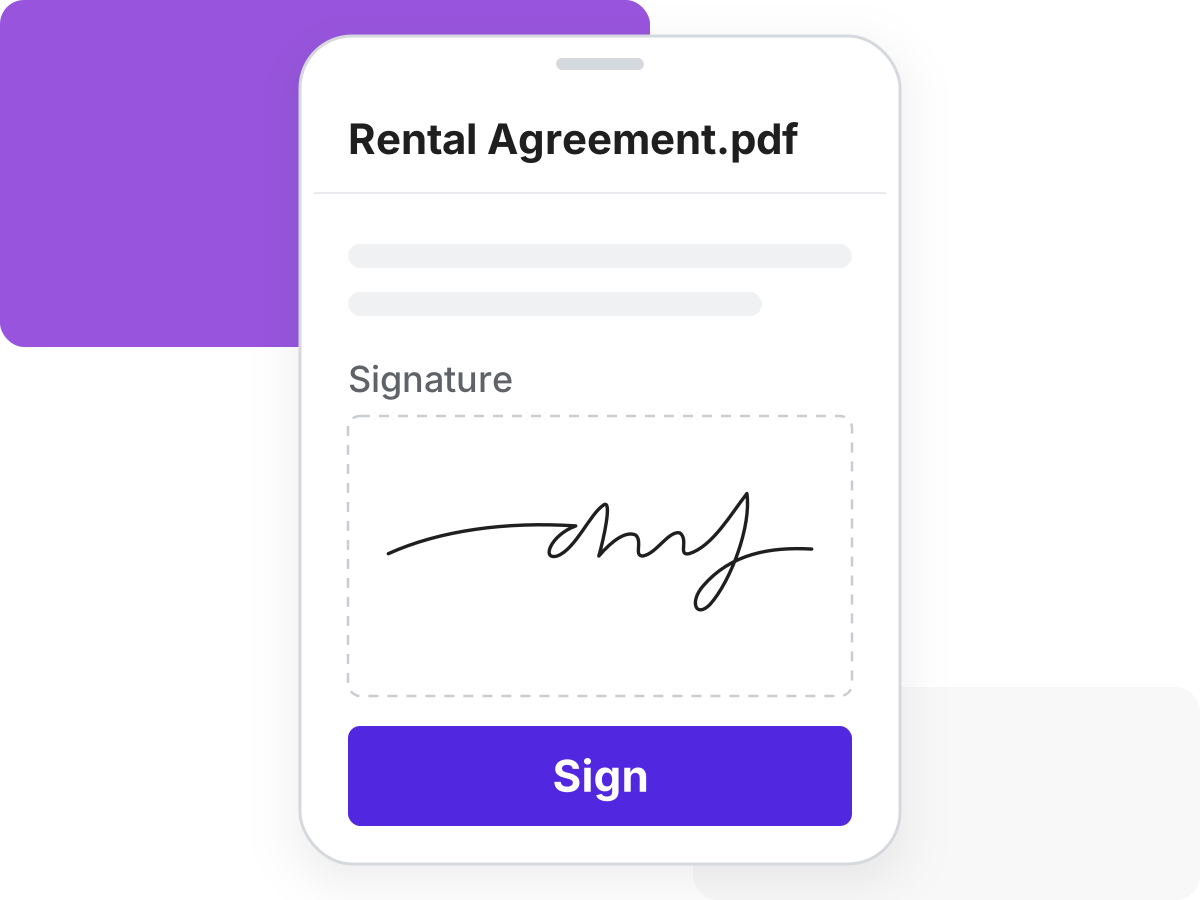
Add eSignature to Google Forms. Export signed PDF to Google Drive.
For HR
For healthcare

For events
For legal and compliance
For real estate
For business

For events

For education
For business

For events
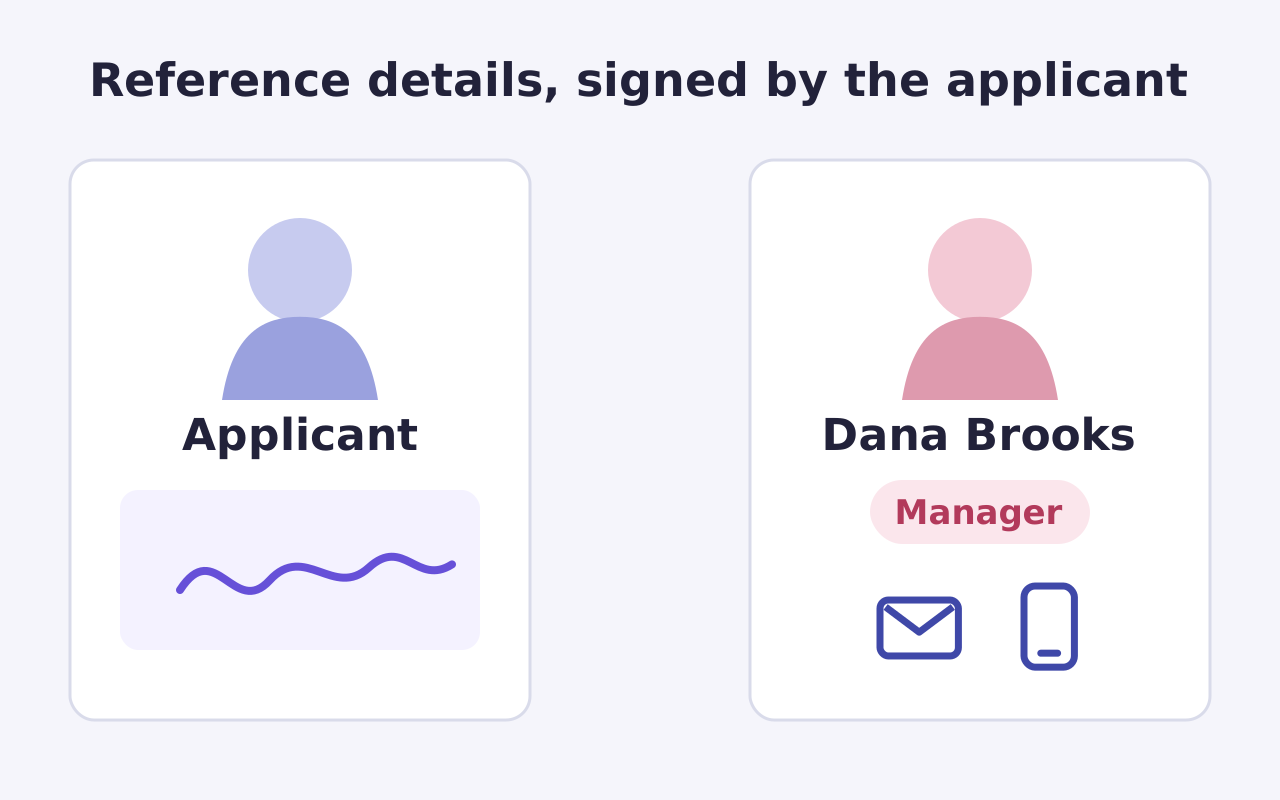
For HR
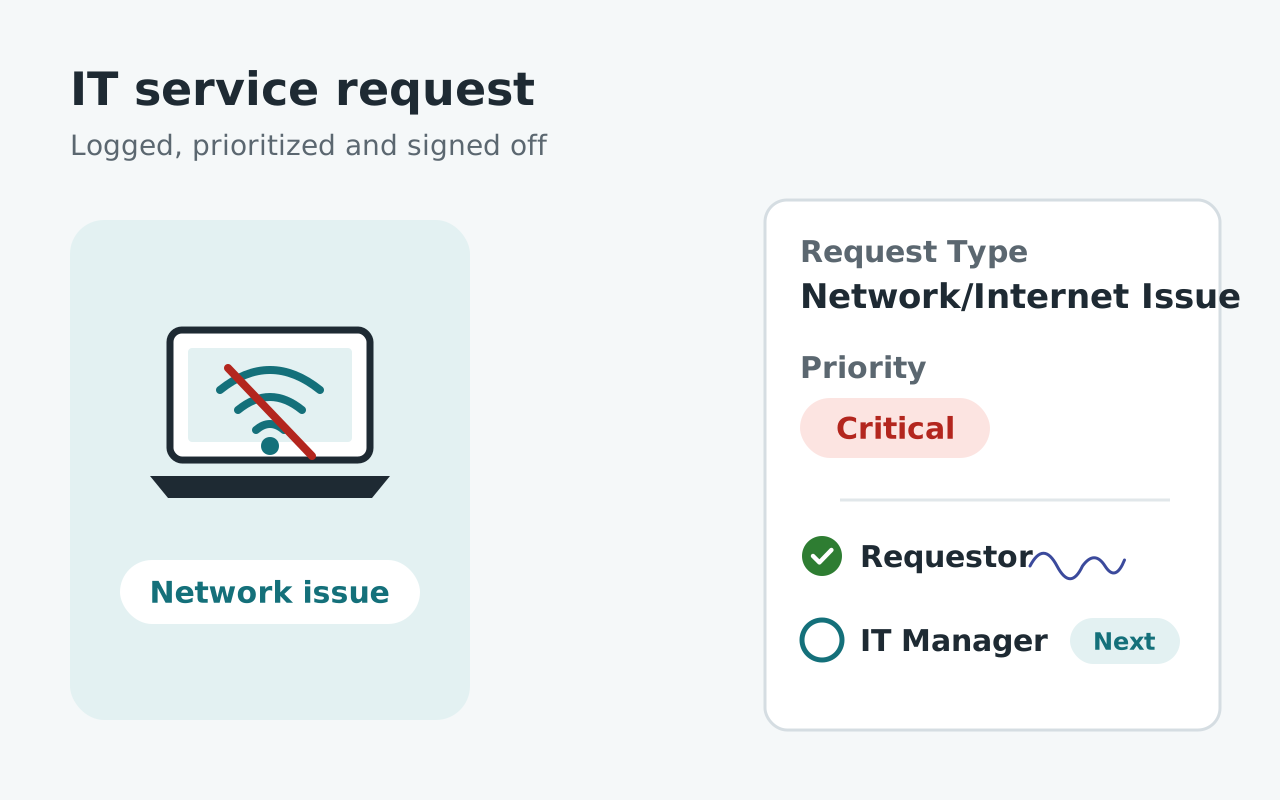
For IT
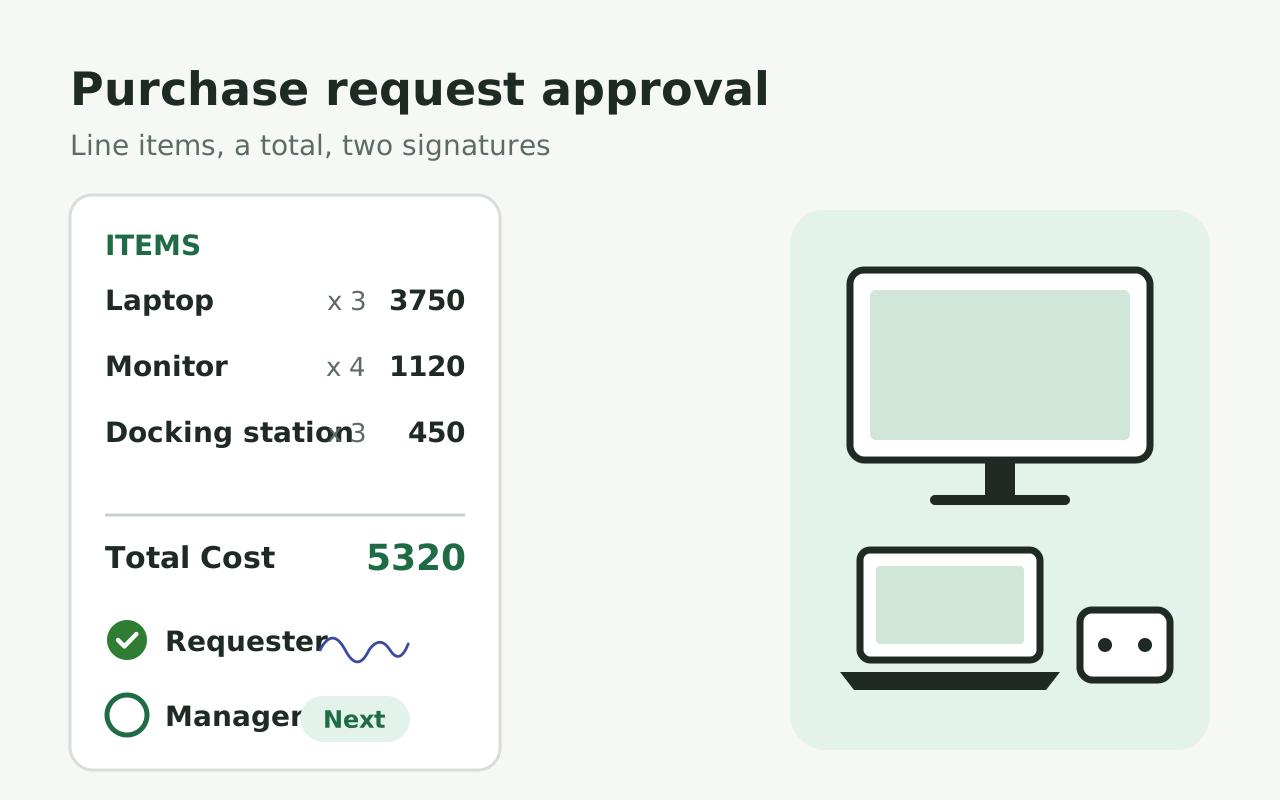
For finance

I am 100% a fan of this company. We use HIPAA compliant Google Forms and needed a way to collect signatures, the industry standard company is TOO expensive. I started using Formesign and it worked perfectly. It lacked the ability to provide a pdf copy of the form after signature. This company worked with me help their product evolve into something that could benefit all future clients AND the end user.

I am not tech savvy. I chose formesign to help create registration links for clients. My company now has moved from the stone age to modern age through the ability to use this feature. Of the many features I am impressed with, the ability to update a form without needing to regenerate a link is amazing. I often make mistakes and that ability allows me to fix mistakes without needing to change everything. Thank you!!!

We found in Formesign a perfect solution to collect a big amount of signatures for consent forms in a short amount of time. Our experience was great and the support team was really helpful.
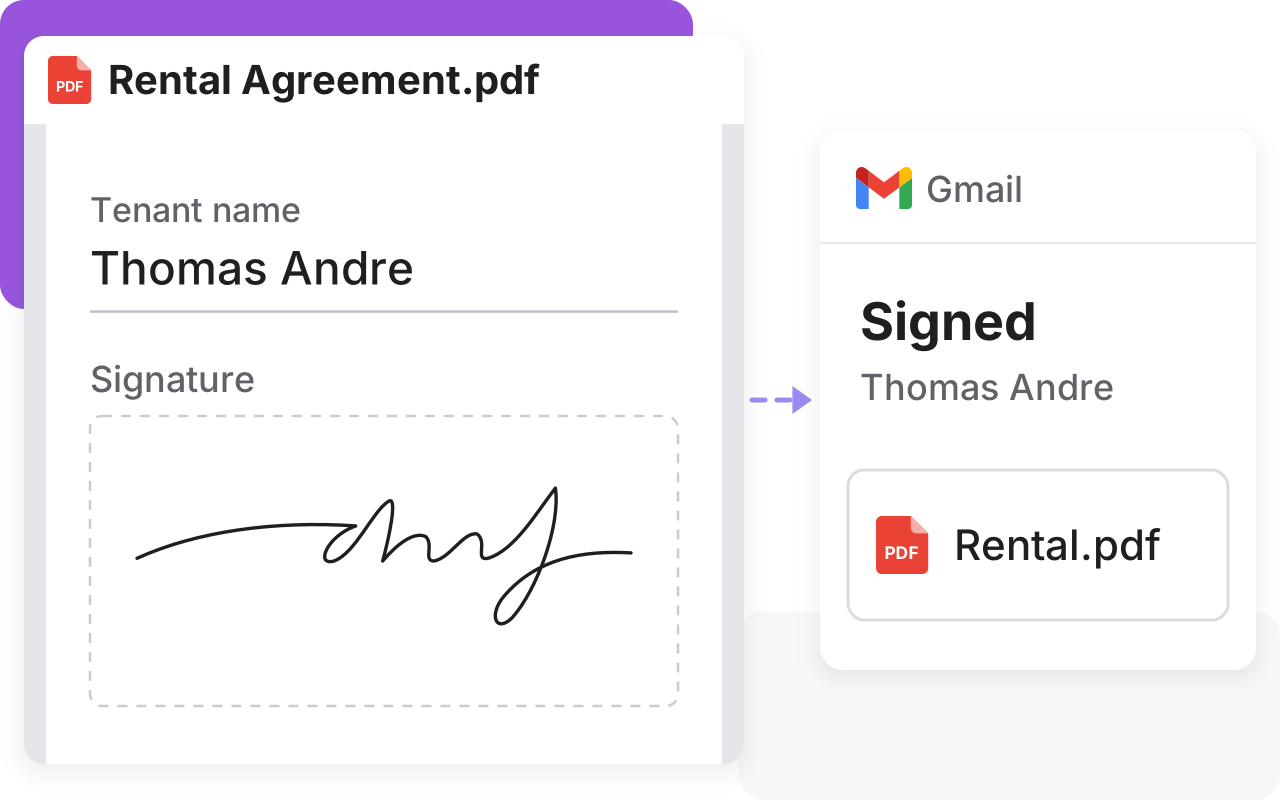
To get a PDF signed, people print it and sign it. Or they use products like DocuSign outside Google Workspace. With our product, you can add a signature box to your PDF, so they sign on screen and you get the signed PDF in Gmail.