Dropdown
This is a common question from people with a long list of answers, such as a country or a T-shirt size. A multiple choice question shows every answer on the page, so users have to scroll past all of them to reach the next question. Google Forms has a dropdown question, but the form around it keeps Google's look. With Formfacade, you can add a dropdown question in the form's "Edit" tab and paste your list from a spreadsheet, so your users see one short menu. Even better, the form will have your own branding instead of Google's, so a long form still looks like yours.
Let's start. Create your form and follow the steps below.
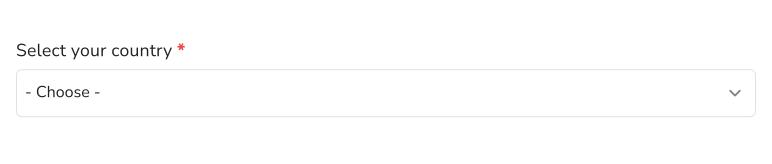
Dropdown question allows users to select an answer from a [long] list of options. This is similar to a multiple choice question that allows users to select only one answer from the available choices.
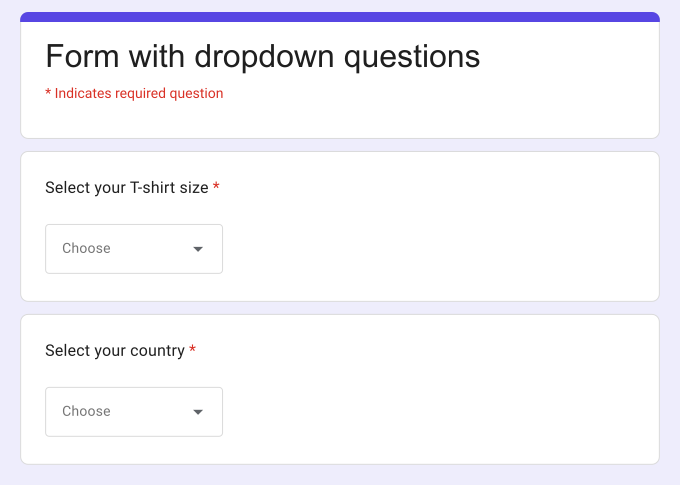
How to create a dropdown list?
- On the page that opens, name your form, click Build form and click Proceed. It can take about a minute.
- You will land on the form's "Preview" tab.
- Click on "Edit" tab

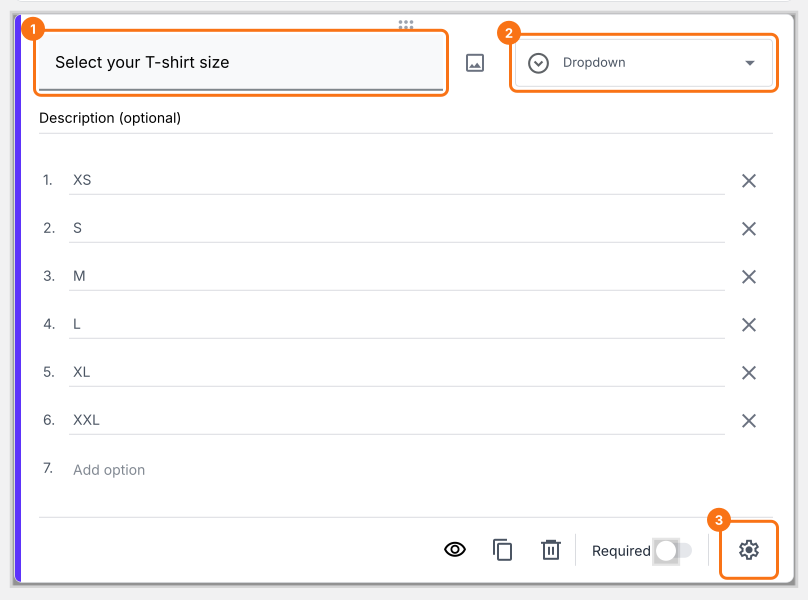
- Click on the + icon (Add field) in the toolbar on the right and enter your question
- Select Dropdown in the question type list
- Type the first answer choice in the first box, then click Add option and type the next one. Do this for each answer choice.
- Enable Required toggle button to make this a mandatory question as shown below
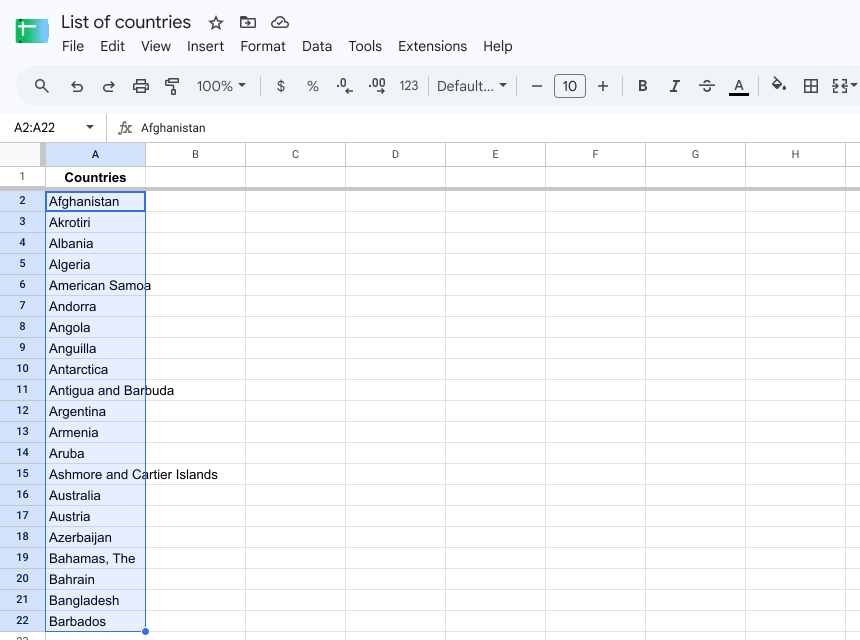
Tip:
Instead of manually adding each choice, you can copy the answer choices from a spreadsheet (or other systems) and paste it into the first answer option.
Dropdown Vs Multiple choice questions
Dropdown and multiple choice question allows users to select an answer from a list of predefined answer choices. How do we decide whether to use dropdown question type or multiple choice question type?
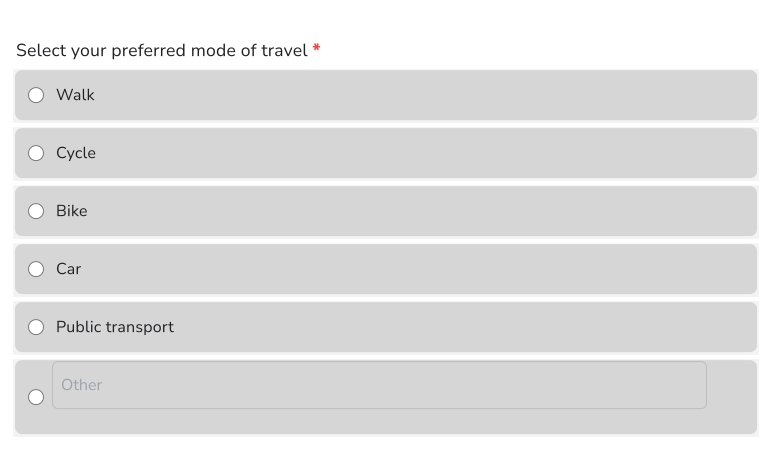
If you would like all the answer options to be permanently visible to the users, use multiple choice questions. Your users can easily read, compare and make their selection. You can even add images to each of these options. Additionally, Multiple choice question type lets you provide "other" option so that users can add their own answer.
If you have a long list of choices, use the Dropdown question type. It will not take too much space on the form or overload user with a lot of information that is not necessary. Formfacade makes this experience even better by converting a dropdown list into a search box if the number of choices exceeds 1000. This way users don't have to go through the hassle of scrolling through a long list of choices!
Summary
If you have a long list of answer choices, a multiple choice question will fill up your form. With the dropdown question in Formfacade, users select one answer from a short menu and you can paste the list from a spreadsheet instead of typing each choice. Create your form and complete the steps above.
Last updated: