How to send a confirmation email with a copy of the form response to the respondents?
"Google Forms not sending responders a copy of their responses"- Google Docs Editors Community
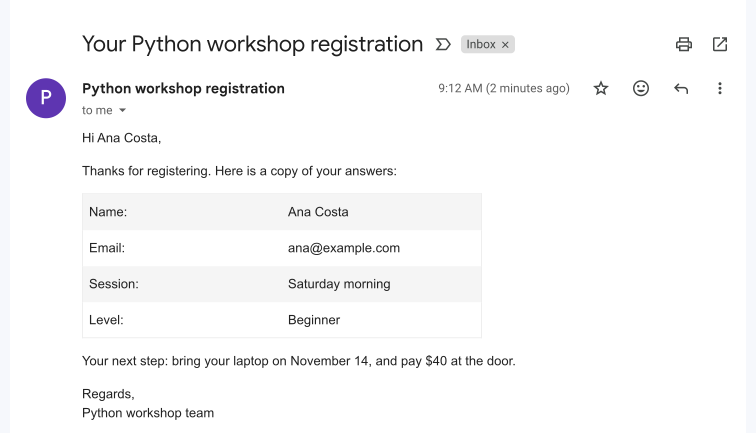
This is a common question from Google Workspace users whose responders don't get their copy and 57 people on Google's forum have asked about it. For example, if you run a workshop registration, each person needs a copy of their answers and what to do next. Google Forms can send responders a copy of their response, but it often reaches Gmail and not Yahoo, iCloud or work addresses and you cannot add your own words to it. Emailing each person by hand stops working once registrations pile up. With Formfacade, you can customize this notification email and send it to the users when they submit the form. Each person will get their answers and your next step in one email. Even better, Formfacade sends the email itself, so you don't depend on Google's copy.
Let's start. Create your form and follow the steps below.
How to send notification emails to form respondents?
- On the page that opens, name your form, click Create form and click Proceed.
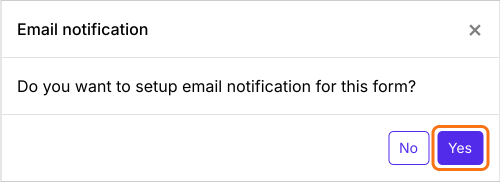
- You will land on the form's "Edit" tab, with the "Email notification" dialog open. It asks "Do you want to setup email notification for this form?". Click Yes.
- A new tab will open on the Kanban board in the "Responses" tab, with the "Email respondent" box open.
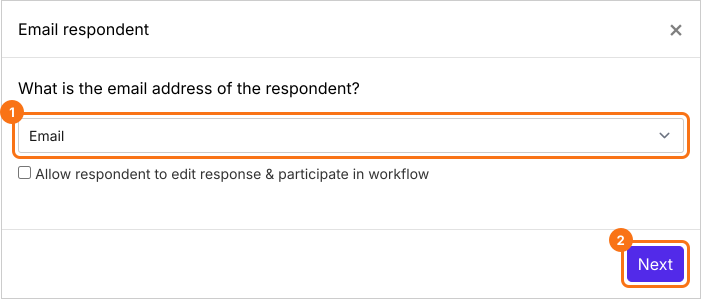
- Email notifications setup wizard will be displayed. Configure the "To" email by selecting the email address form field from the dropdown list and then click on the Next button.
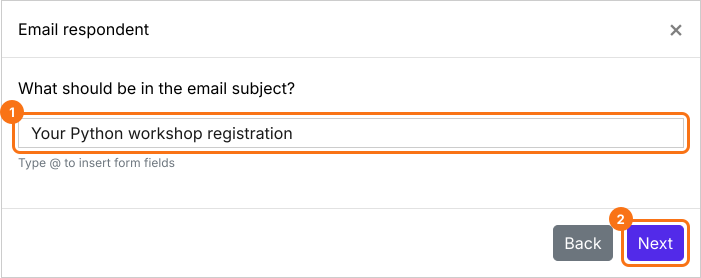
- Configure the subject line for this notification email. You can enter a simple static subject line as shown in the screenshot below or you can use the form fields to personalize the subject for each respondent. Then click on the Next button.
- By default, all the answers will be included in the email. You can customize this message as per your requirements.
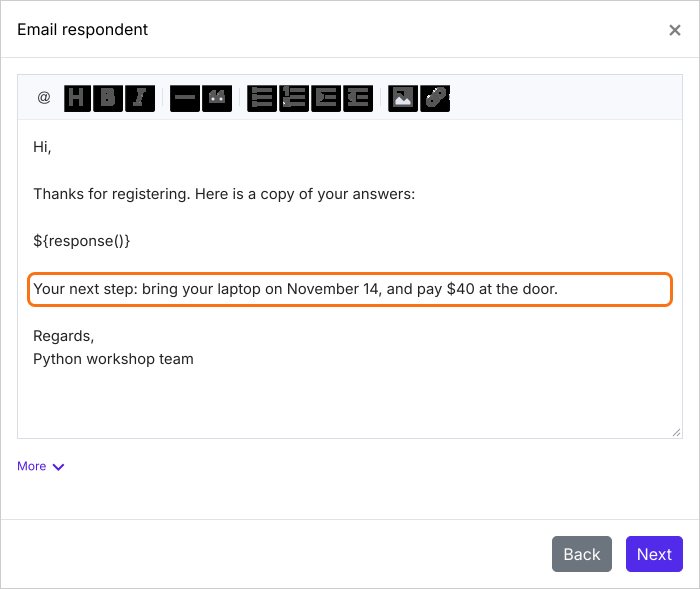
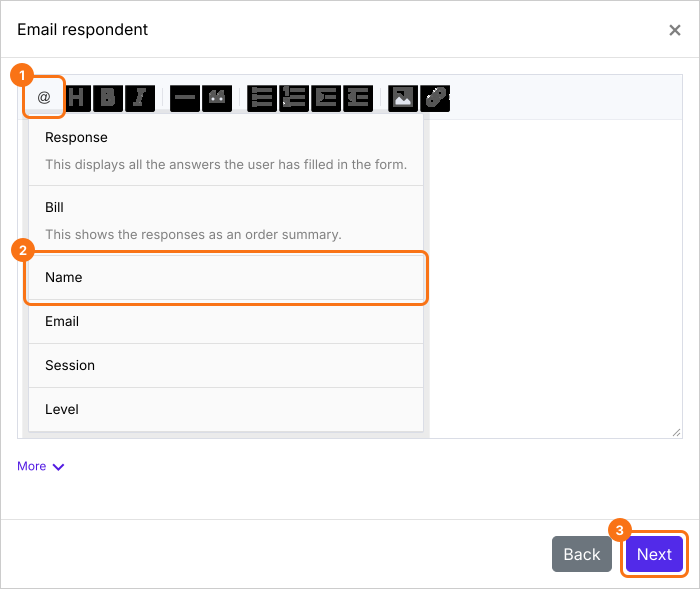
- To personalize the message using the form responses, you can click on the @ option and select the required field from the list to include it in the message. It shows as a code such as ${entry1280768093}. That is right: each email shows the answer in its place. Leave a space before it. Once you have customized the message, click on the Next button.
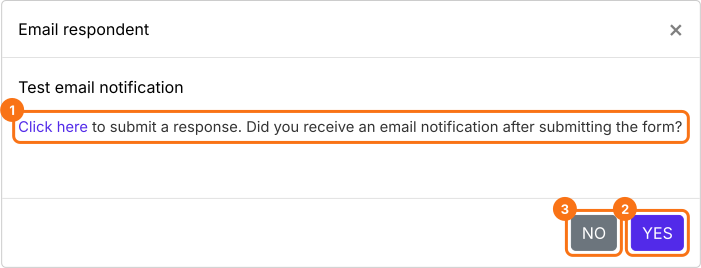
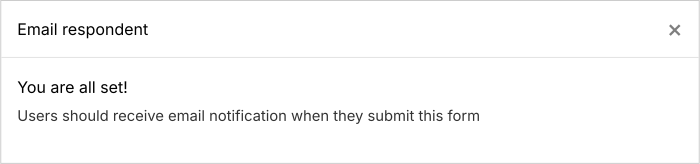
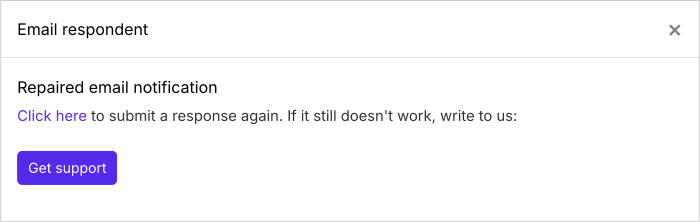
- Submit a test response to check if the email notifications are working. Click on "Click here" to open your form in a new tab, fill it with your own email address and submit it. If it works, click on the YES button. Otherwise, click on the NO button.
Summary
Last updated: