How to track the status of each Google Forms response?
"owners cannot track which individual entries they have already checked"- Google Docs Editors Community
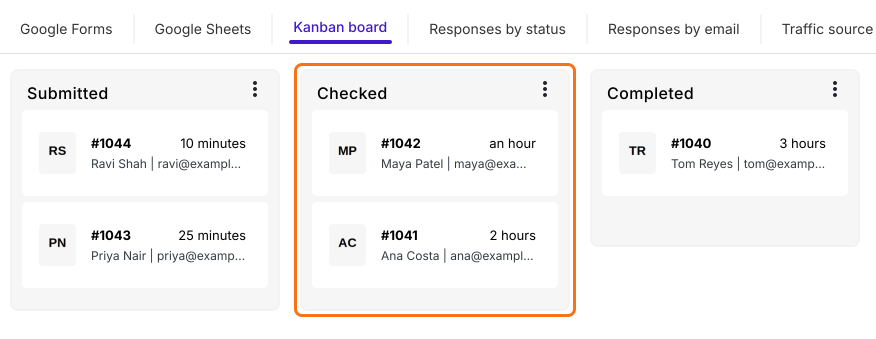
Once hundreds of responses are in, such as payment screenshots that each need checking before someone is confirmed, a team needs to know which ones are done. Google's Responses tab doesn't show which responses you've checked, and a status column in the Sheet works only if everyone remembers to fill it in. With Formfacade, every response gets a status on a board, so your team sees what's checked and what's waiting. You can still sync the responses to Google Sheets for anyone on the team who works there.
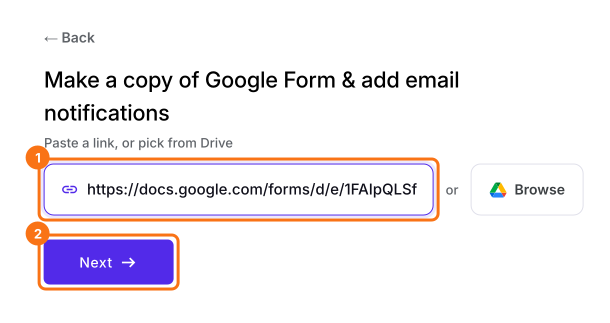
Let's start. Import your Google Form and follow the steps below.
1. Import your Google Form
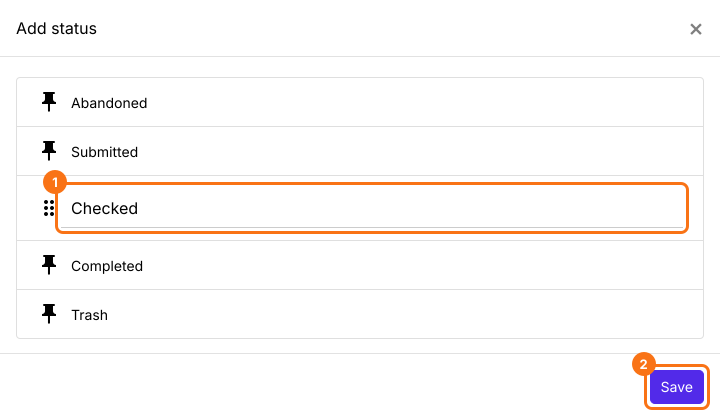
2. Add a Checked status
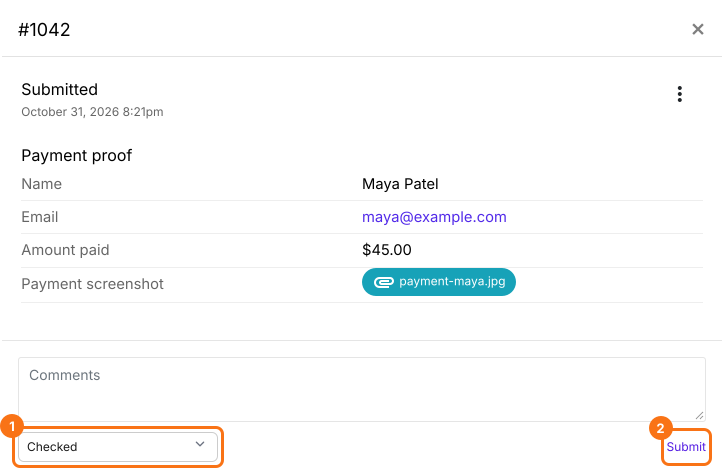
3. Check a payment and move it
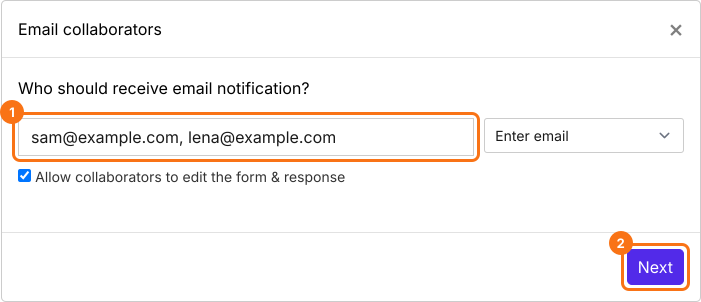
4. Share the work with your team
5. See what is checked and what is waiting
Summary
Give each response to your Google Form a status.
Import your Google Form and add a status such as Checked on the Kanban board. Move each response there, so your team sees what is still waiting.