How to hide patient details in Google Forms?
"We have a spreadsheet that contains some HIPAA protected info and some unprotected information"- Google Docs Editors Community
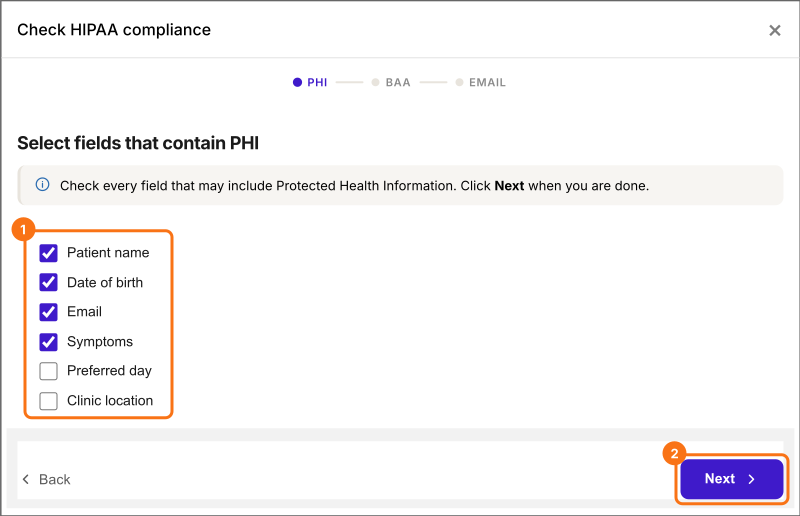
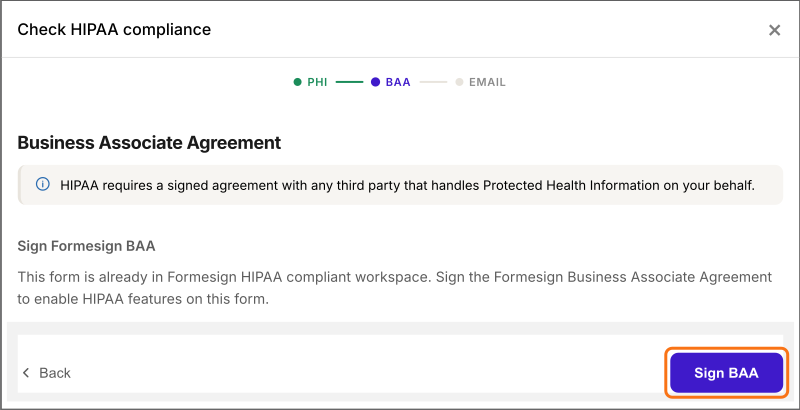
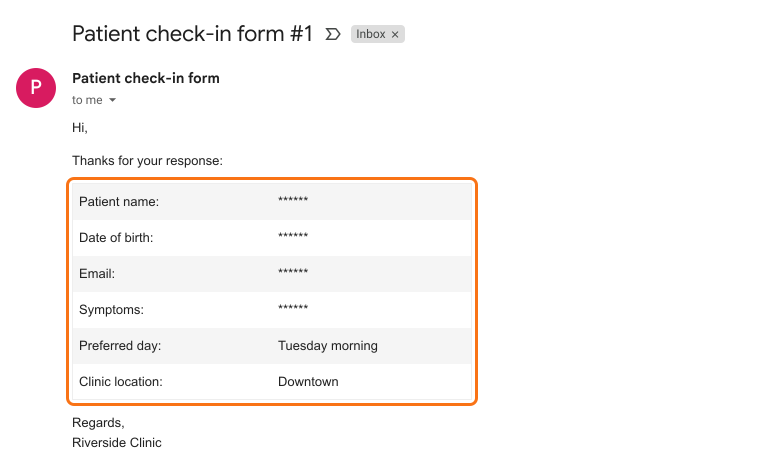
A healthcare office that collects patient answers in Google Forms and Google Sheets usually has two kinds of data side by side: HIPAA protected details, and answers staff need to do their job, like the preferred day or clinic. Once those answers are in an email or a shared Sheet, whoever gets them can read all of it. With Formesign, you tick the fields that hold patient details during the HIPAA check and turn on secure email. Staff get the other answers in their email and the ticked ones show as ******. Signing the BAA is one of the same setup steps.
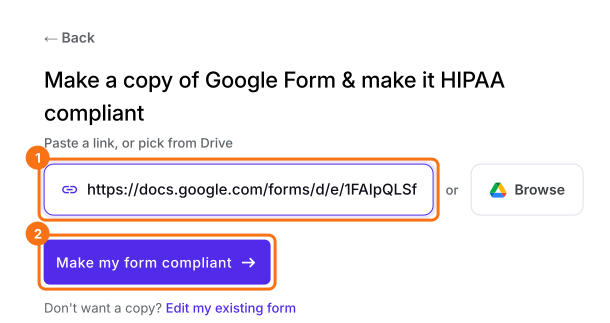
Let's start. Import your Google Form and follow the steps below.
1. Start the HIPAA check
2. Check what's private
3. Sign the BAA
4. Turn on secure email
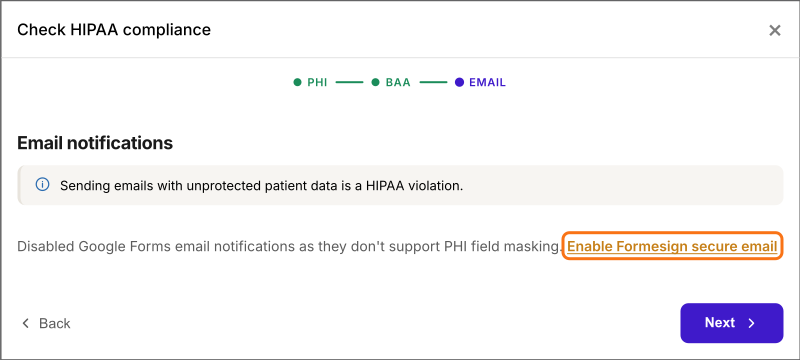
5. Email your staff the rest
Summary
Mark patient details on your Google Form. Email staff the rest.
Import your Google Form, click Make my form compliant and tick the fields with patient details. In staff emails, those answers show as ******.