How to give each signer their own section?
"Google form to be completed by several people"- Google Docs Editors Community
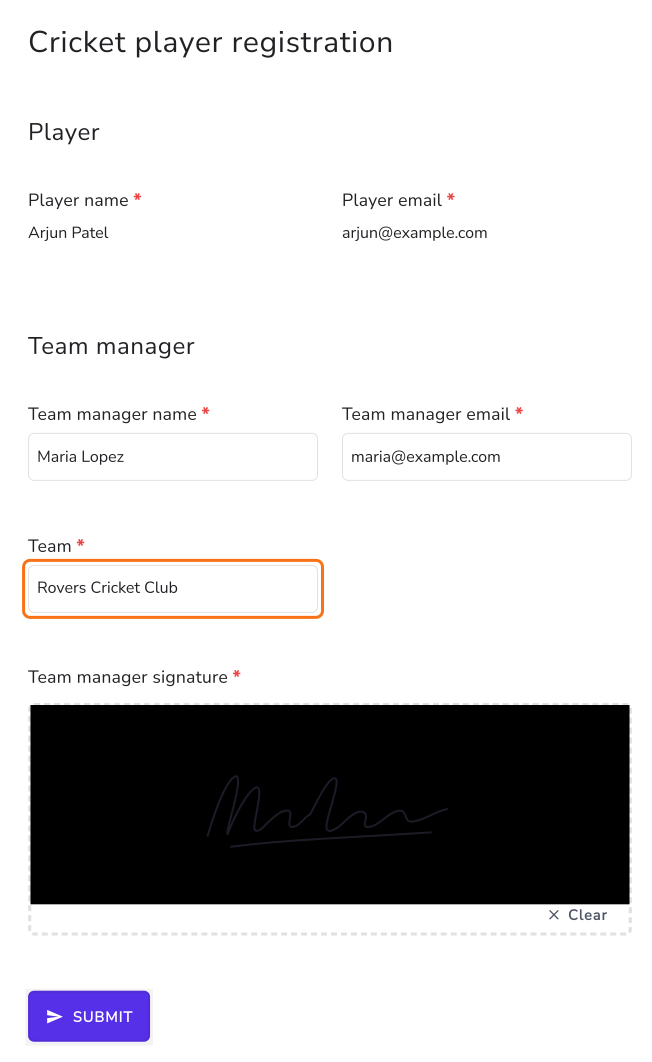
A cricket club's player registration on Google Forms needs two people: the player fills in their details, then the team manager adds the team and signs. Google Forms takes one person's answers at a time, so the manager's part ends up in a forwarded email or a second form, and someone copies answers across. In Formesign, one form has a block for each signer. The player fills in and signs theirs, then the team manager opens the same form from an email, sees the player's answers as text they can't change and completes only their own block.
Let's start. Import your Google Form and follow the steps below.
1. Add a signer for each person
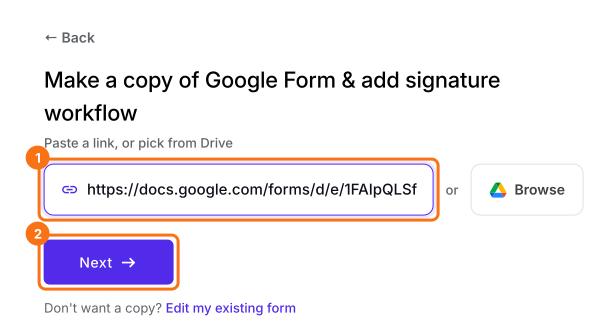
- Click on Import your Google Form. On the page that opens, paste your Google Form's link or click Browse to pick it and click Next.
- Under To be signed by, type over the first signer so that it reads Player. Click Add new signer, type Team manager and click Next.
- When it says Your signing link is ready, click Preview signing experience to try the form, then click Form editor under Manage.
2. Open the team manager's block
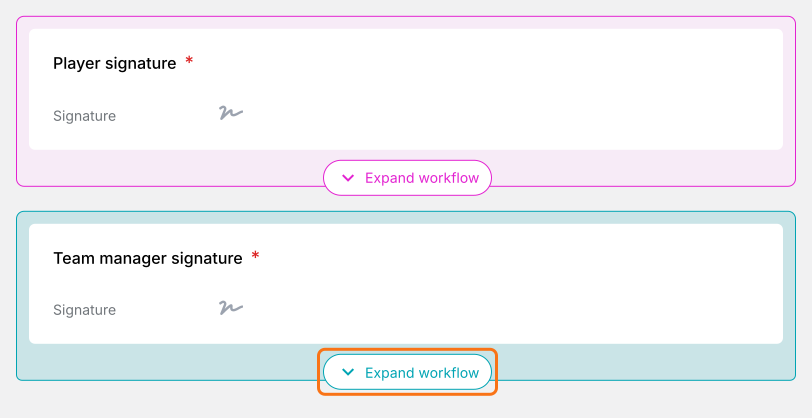
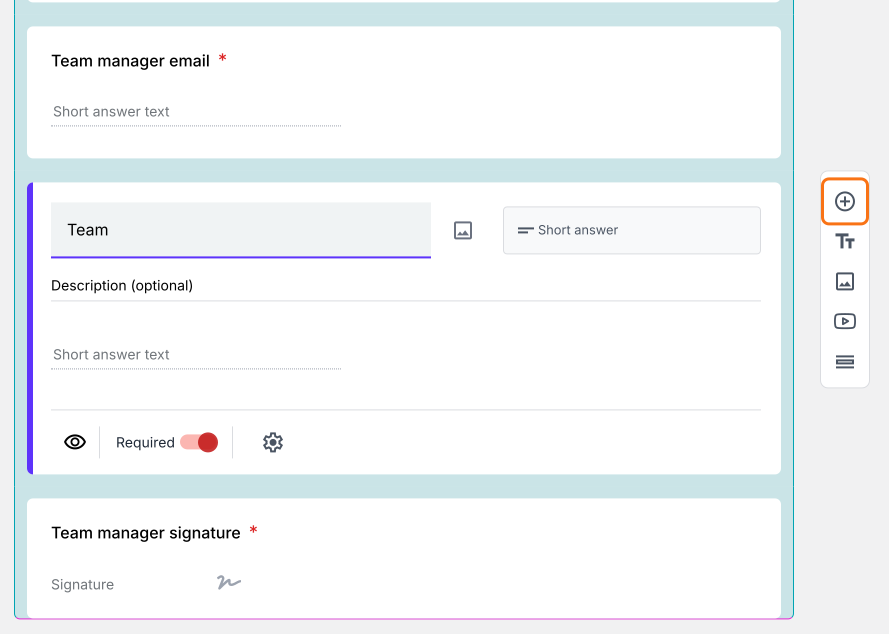
3. Add their questions
4. Each person fills only their part
Summary
Give each signer their own section of your Google Form.
Import the Google Form more than one person signs and add each signer's questions to their block. Each signs only their part and you get one signed PDF.